

How to Install SillyTavern on Android with Termux
Install SillyTavern on any Android phone with one command, then start and update it.

Your Android phone can run SillyTavern itself through Termux, a free terminal app. Rolezy's installer sets up everything SillyTavern needs.
You need about 1 GB of free space and a steady connection for the first install.
1. Install Termux from F-Droid
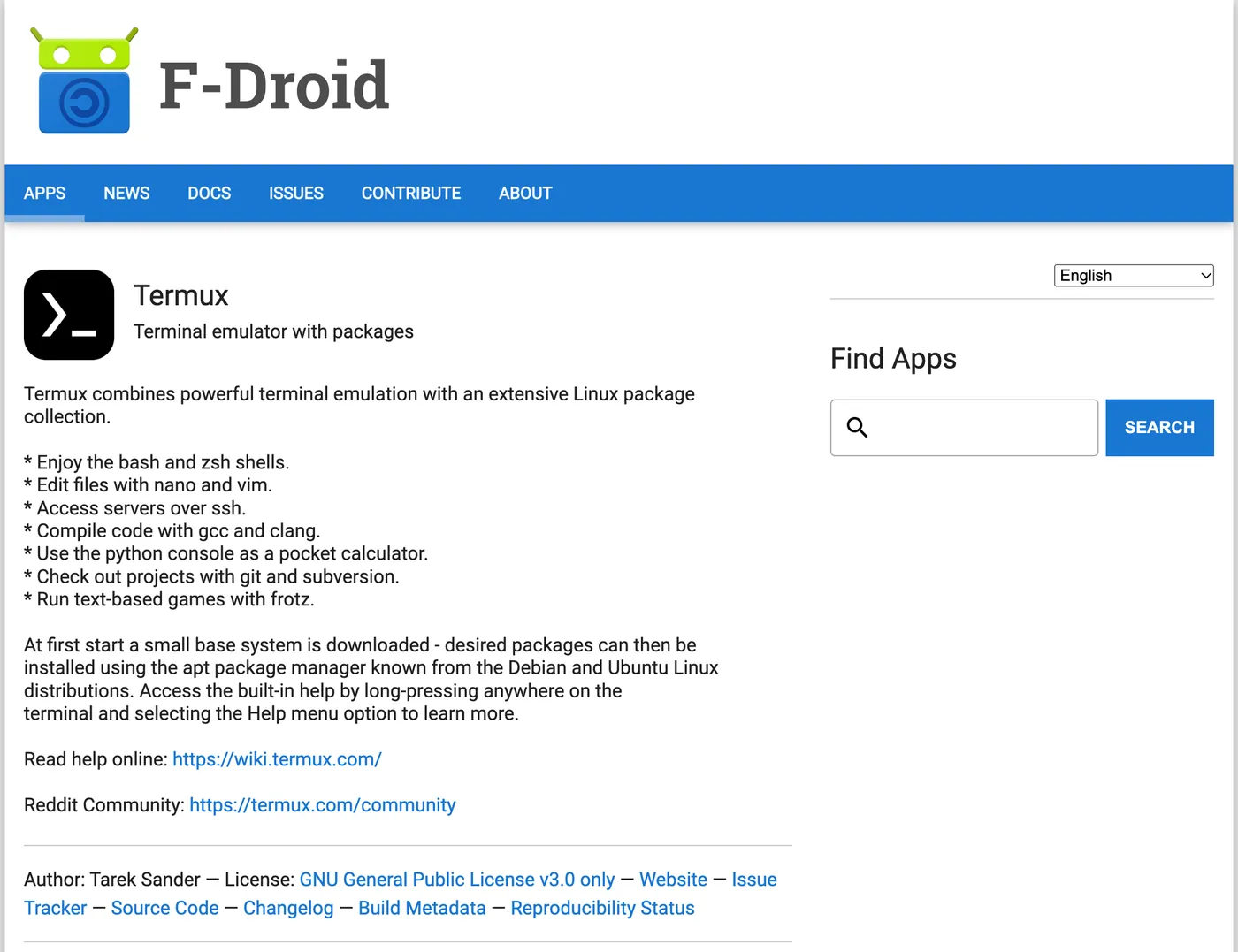
Open the Termux page on F-Droid, scroll down, and tap Download APK under the newest version. Open the file and let your browser install it.
Open Termux once and wait for it to finish setting up.
2. Run the installer
Paste this into Termux and press Enter:
curl -fsSL https://rolezy.com/st | bashIt takes 5 to 15 minutes. Keep Termux open on screen until it's done. When you see Open: http://127.0.0.1:8000/, SillyTavern is running.
3. Open SillyTavern
Go to http://127.0.0.1:8000 in Chrome. Leave Termux running in the background while you chat.
Next, connect an AI model so your characters can reply.
Start it again later
After you restart your phone or close Termux:
cd ~/SillyTavern && bash start.shUpdate
Run the installer again and press r when it asks. That updates SillyTavern and keeps your chats.
curl -fsSL https://rolezy.com/st | bashTo update by hand instead:
cd ~/SillyTavern && git pull && bash start.shIf Android keeps closing it
Pull down the Termux notification and tap Acquire wakelock. You can also turn off battery optimization for Termux in Android's settings.
Your data
Characters, chats and settings live in ~/SillyTavern/data/default-user. Copy that folder to back them up.
Installer options
Add these after bash -s --:
curl -fsSL https://rolezy.com/sillytavern/install.sh | bash -s -- --branch release| Option | What it does |
|---|---|
--branch release |
Install the stable branch instead of staging |
--repair |
Update and keep your data |
--fresh |
Back up the old folder, then reinstall |
--no-launch |
Install without starting SillyTavern |
Running SillyTavern on your phone is free but uses battery. Rolezy Plus runs it for you in the browser for 49 THB. Stuck? See Fix common SillyTavern errors.